- Want to use version control to preview and roll-back changes to a workflow
- Want to apply complex access control (e.g. only members of the SRE team can edit specific core SRE workflows)
- Want to create workflows programmatically based on other data that you store in Terraform
Building your Terraform
Workflows have a pretty complex structure, so we’d recommend you build your workflow in the UI using our visual builder, and then copy the Terraform that we generate into your repo.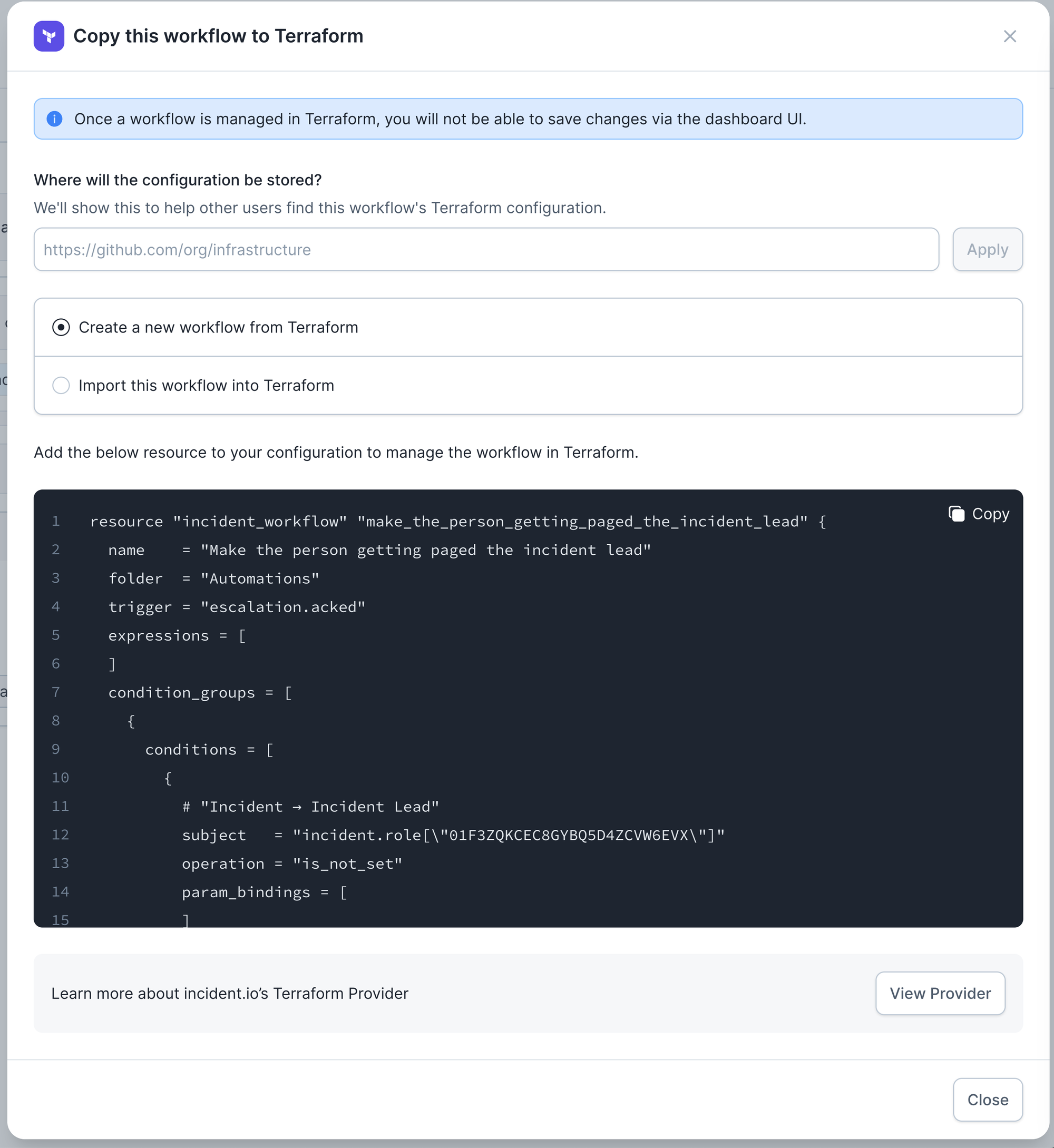
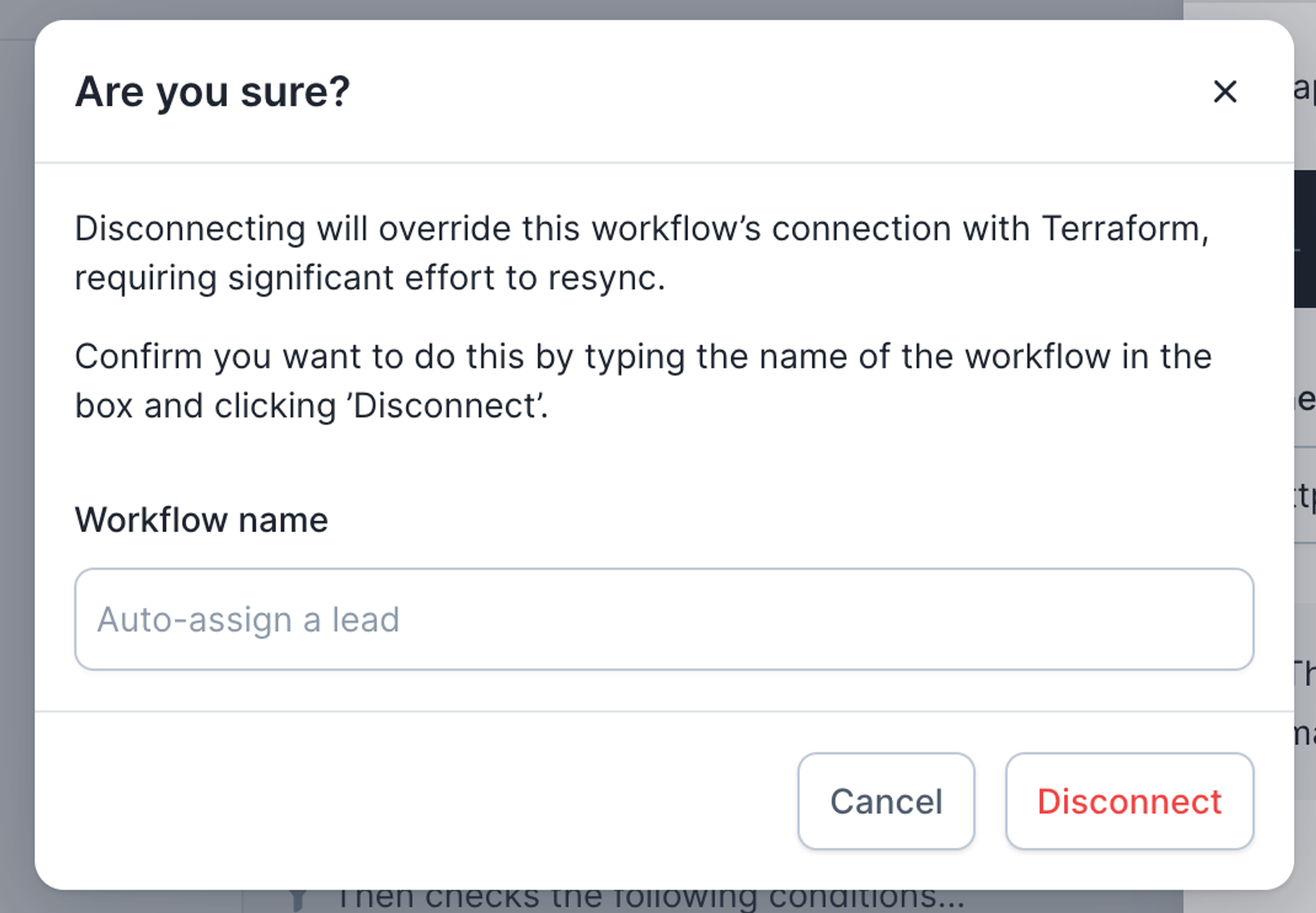
Making the dashboard ‘Terraform aware’
We want to make sure the dashboard understands that you’re managing a workflow via Terraform, and can adapt accordingly. You can easily see which workflows are managed via Terraform: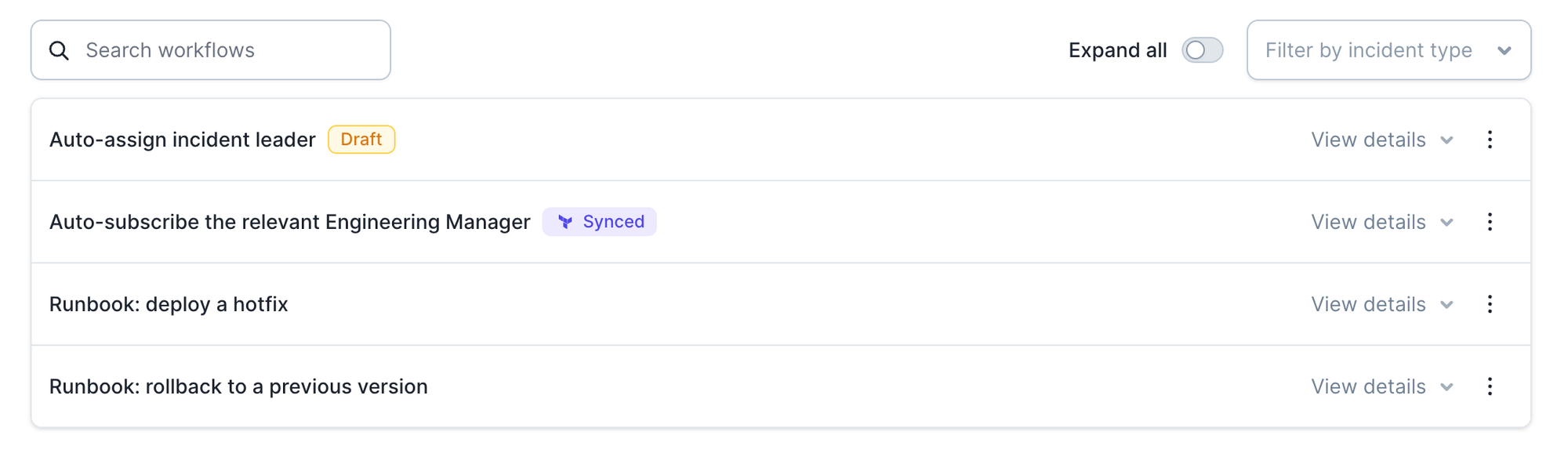

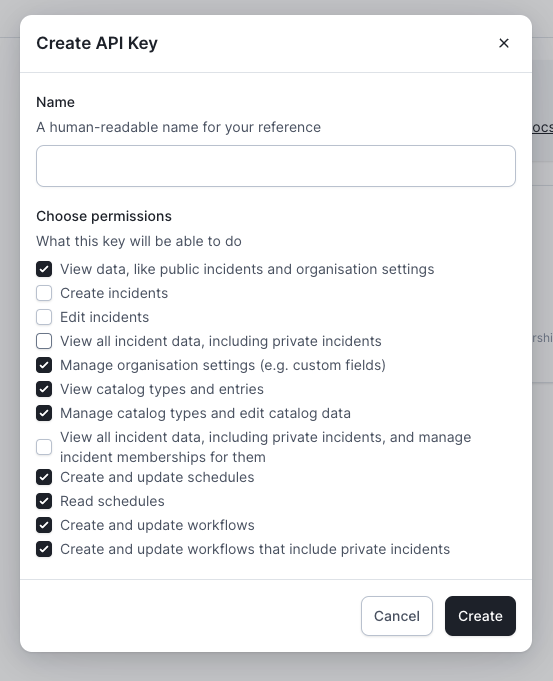
API Key Permissions
As part of the setup you’ll need to create an incident.io API Key. To do all the things we currently support in Terraform, you’ll want to look at giving the key the following permissions. However, you can always refine this if you’re only looking to manage certain components.