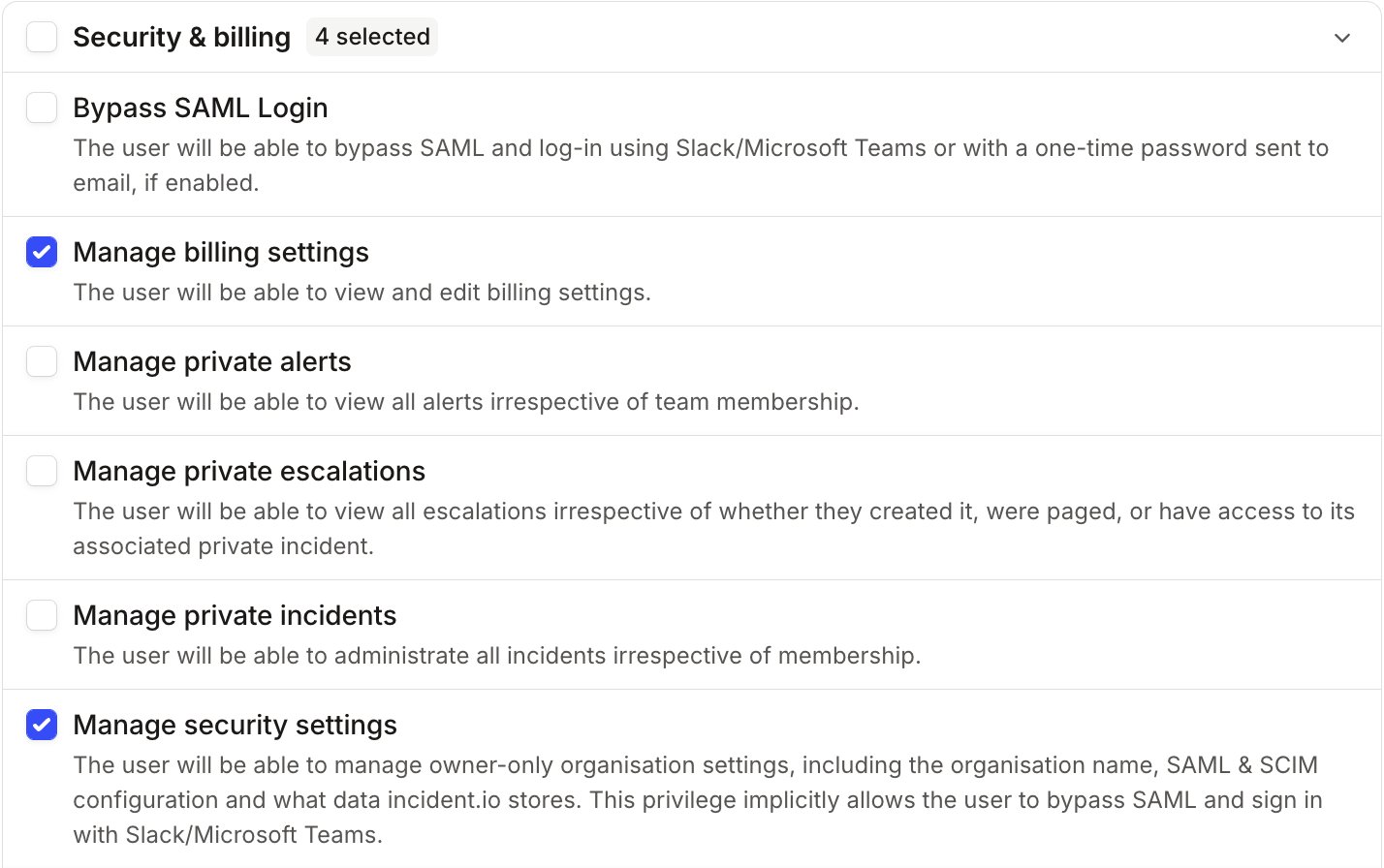
In order for a user to manage the IP allowlist, they must have the “Manage security settings” scope. This is configured in Settings → Permissions, on the Account-level tab: open a role, then find Manage security settings under Security & billing.Similarly, in order for an API key to manage the IP allowlist, it must have the “Manage security settings” permission.
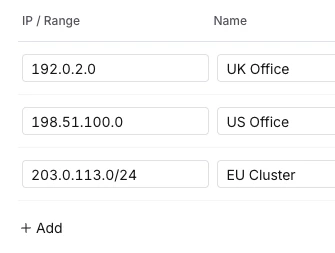
Navigate to Settings > Security and scroll down to “IP allowlists”.Click “Manage” to open the drawer, and enter your selection of IPv4 addresses and/or CIDR IP prefixes.Your current IP will be pre-filled in the list. Any request to modify an enabled allowlist will be rejected if it does not contain the requestor’s IP, to prevent lockout.
Once enabled, the allowlist will immediately become active. Ensure that your allowlist is complete before enabling it.
To enable the allowlist, enable the toggle and click “Save”
Use the same toggle as before to disable your allowlist, and click “Save”.This will allow requests from all IPs to access your incident.io workspace.Your list of IPs and CIDRs will remain available for future use.
Was this page helpful?
Assistant
Responses are generated using AI and may contain mistakes.