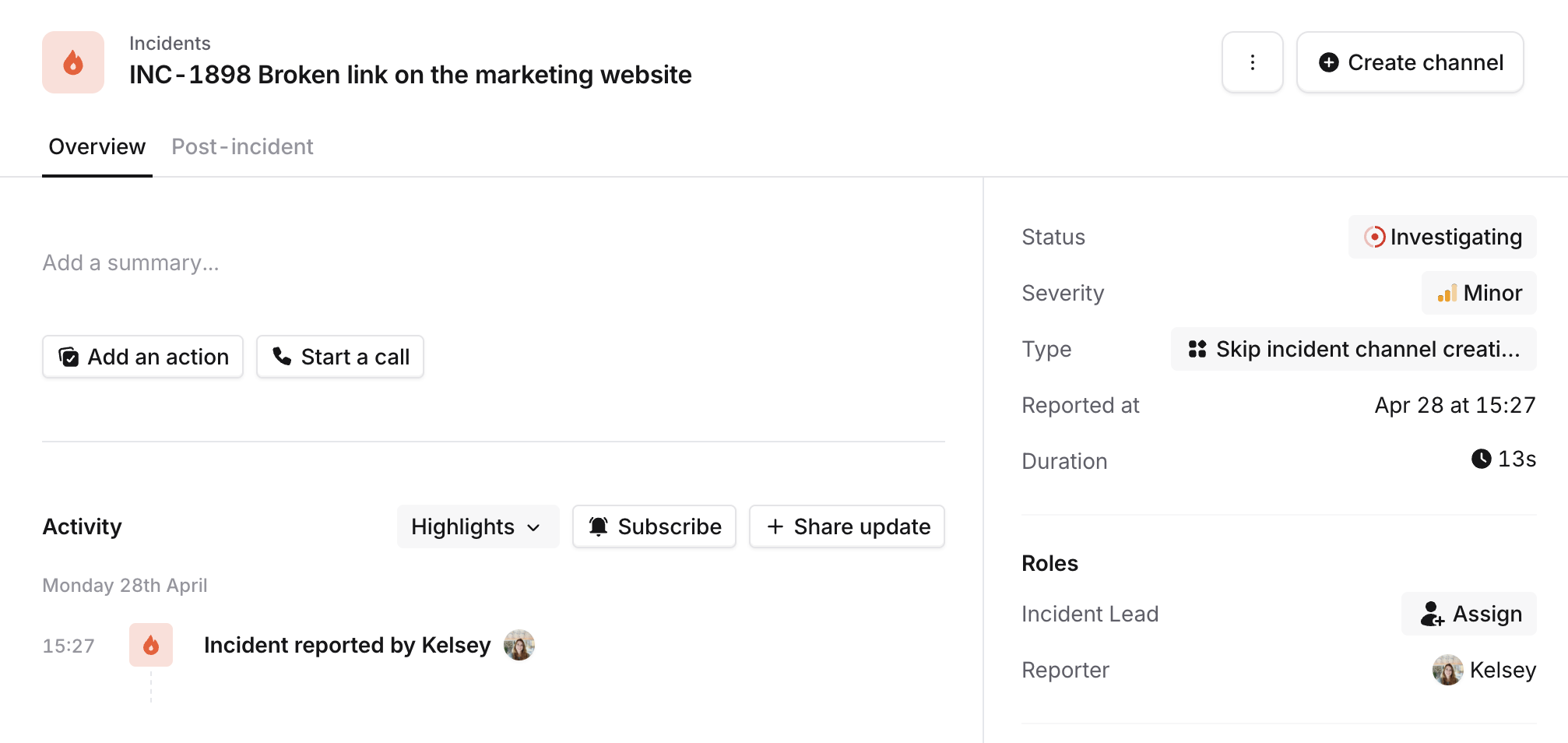
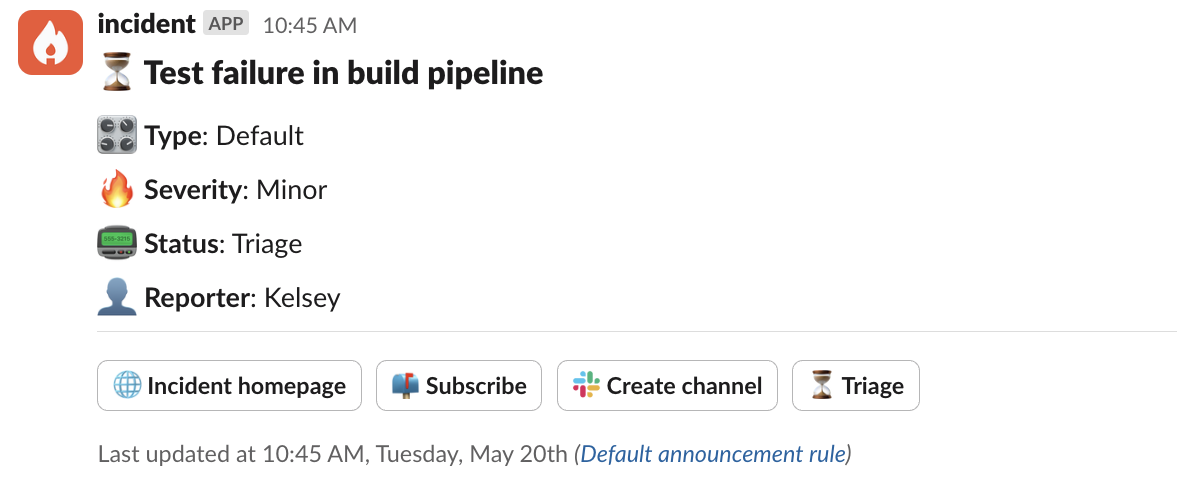
By default, we create a channel in Slack or Microsoft Teams for every incident as a dedicated space to collaborate and coordinate response. We understand that for some low severity incidents, creating a channel might not be necessary - so we’ve introduced the flexibility to configure whether to create channels per Incident Type. If you realise part way through the incident that it does need a channel after all, no worries! You can manually create a channel directly from the dashboard or incident announcement.

Setting Up

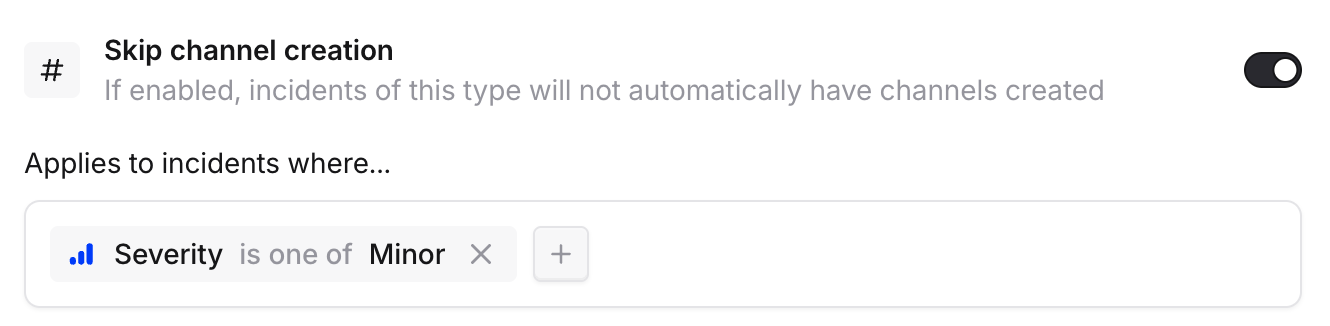
To configure this feature, navigate to Settings > Incident Types. For your chosen Incident Type, toggle on ‘Skip channel creation’ and optionally set extra conditions, for example only skipping channel creation for Minor incidents. To skip channel creation for all incidents regardless of type, use the global setting in Settings → Slack channel or Settings → Teams channel. Screenshot 2025-04-28 at 15.14.03.png
Manually creating channels

If you decide your incident does warrant a channel after all, you can trigger channel creation from the dashboard, or the incident announcement post. Screenshot 2025-04-28 at 15.28.03.png Screenshot 2025-05-20 at 10.45.42.png