What we can do with Sentry
- Link Sentry issues to incidents From a Sentry issue, just as you can link to Issue Trackers such as Jira, Linear and GitHub, you can also link to incident.io
- Attach Sentry Issues to incidents When a Sentry link is posted in an incident Slack channel, it’ll offer to attach it
- Keeping you up-to-date Activity on the Sentry Issue will be propagated to the incident Slack channel:
- Page from Sentry alerts Sentry alerts are available as an alert source
Installation
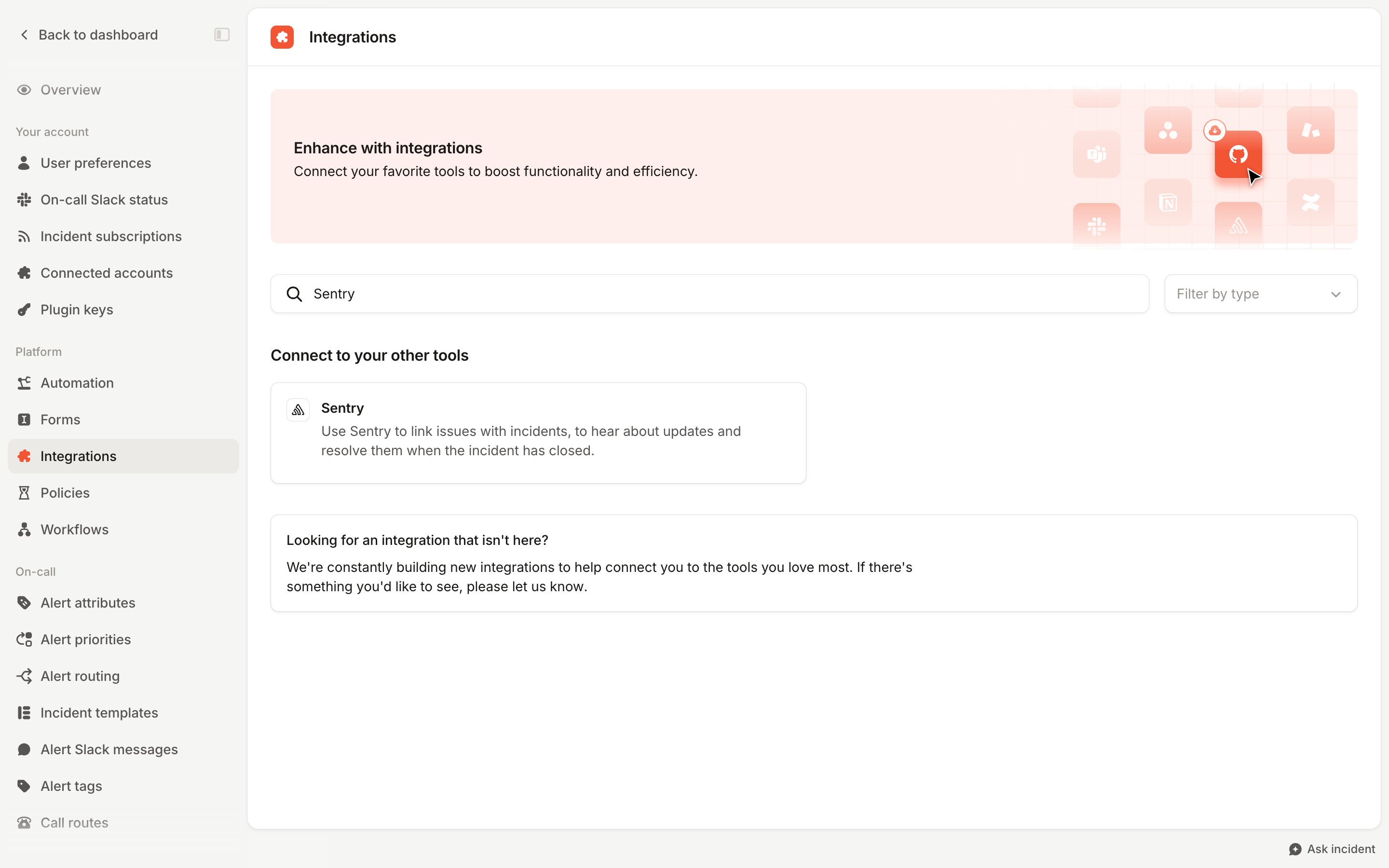
- Go to Settings > Integrations
- Search for Sentry and click its card, then press Connect in the panel that opens
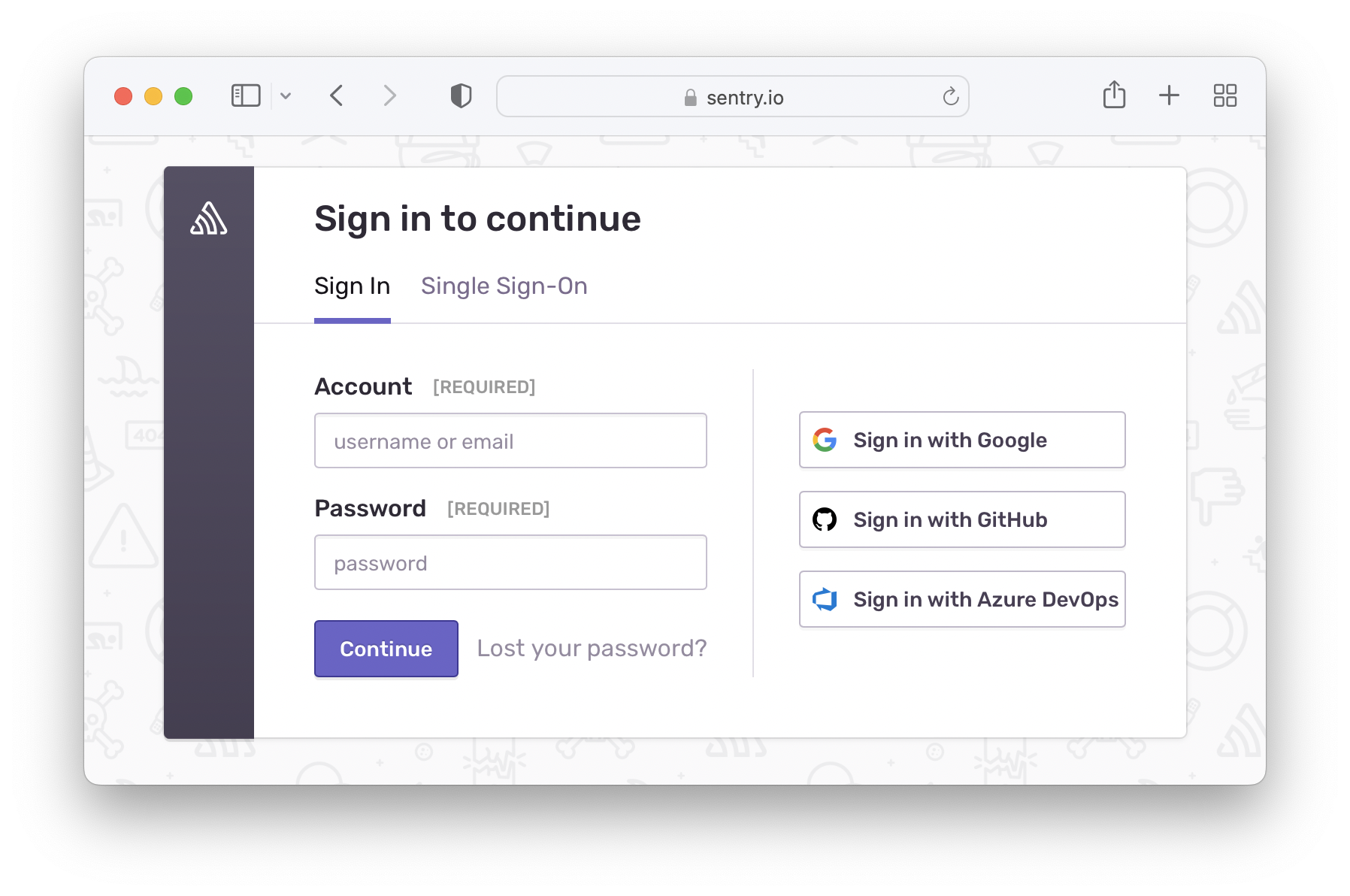
- Login to Sentry
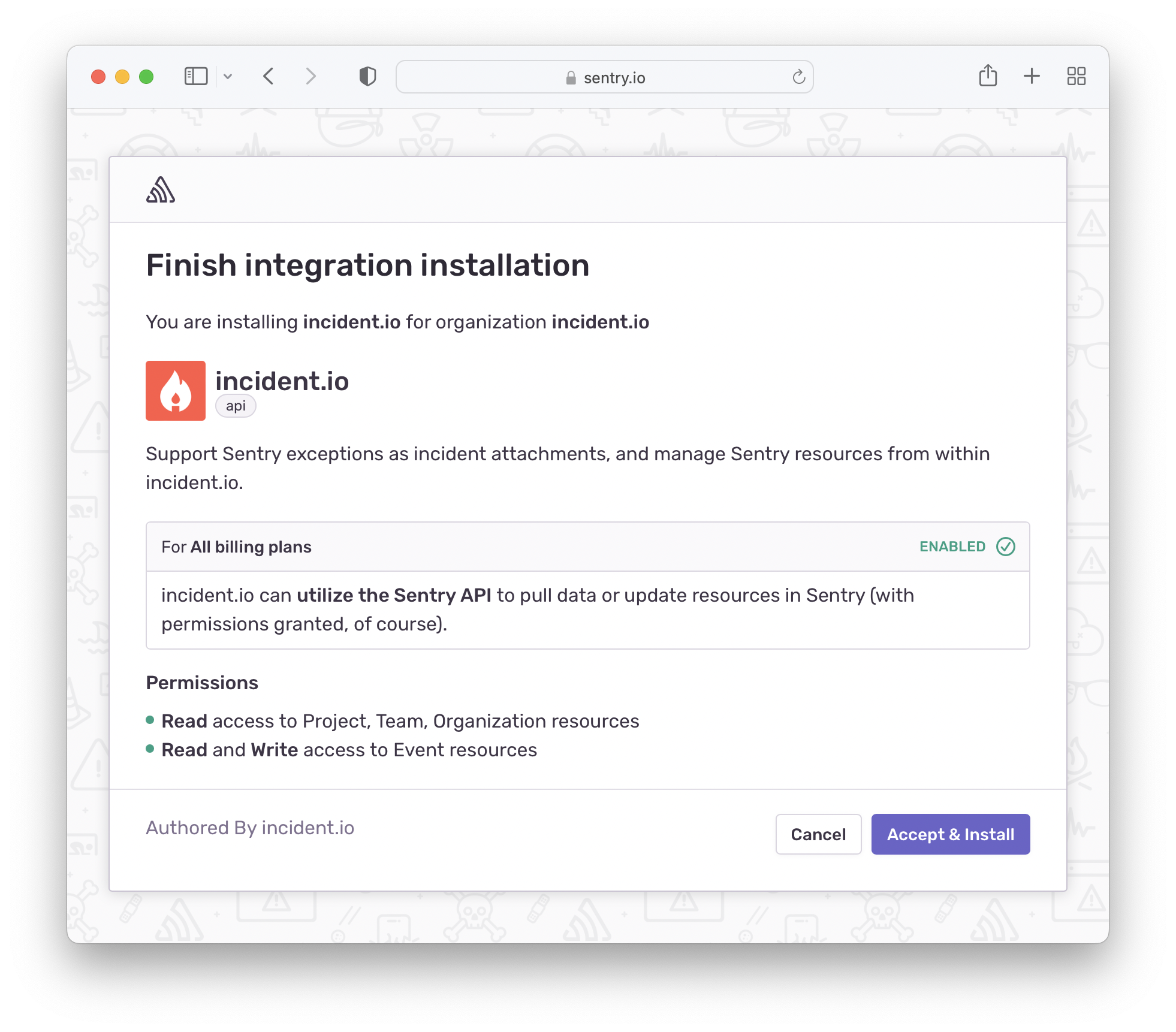
- Install