Context
When managing a public status page, you may want to track visitor analytics using Google Analytics to better understand your page traffic and usage patterns.Answer
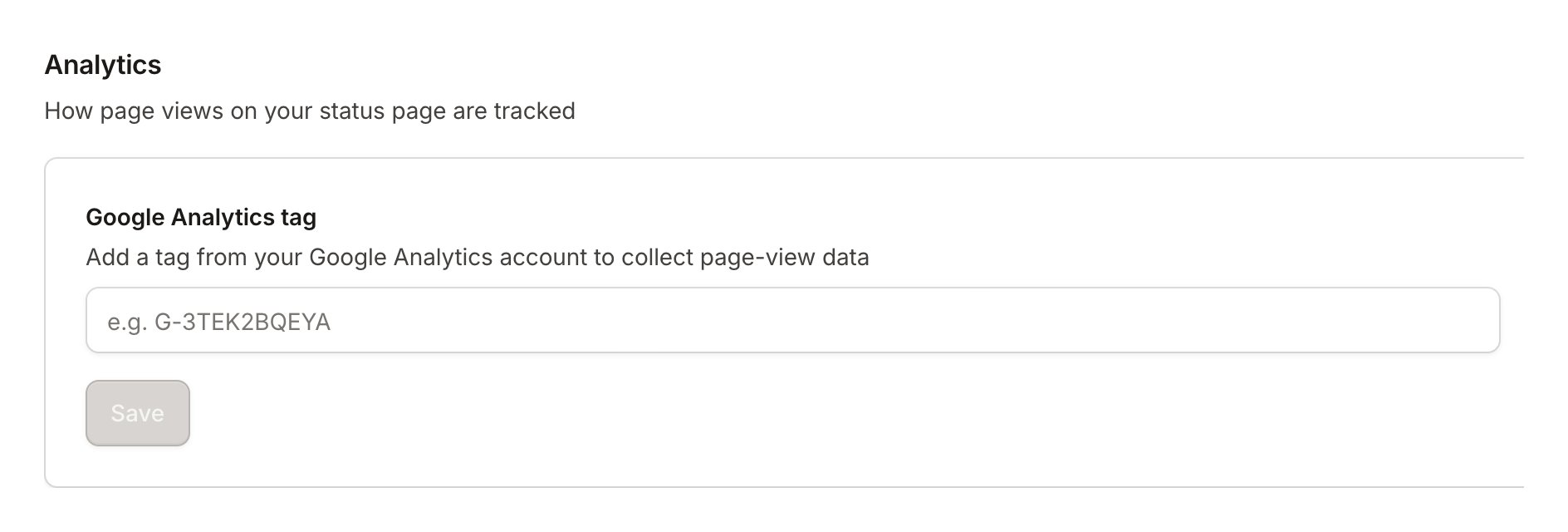
You can add Google Analytics tracking to your public status page through the page settings. Here’s how:- Navigate to Status Pages in your dashboard;
- Select your public status page;
- Click on Settings;
- Go to Basic Settings;
- Under the Analytics section, locate the Google Analytics tag field;
- Add your Google Analytics tag.