Extracting fields from JSON
You can see the alert payload for all the alerts you’ve received. Write your query in the step Then extract fields from JSON. By default, use$ to reference the payload, then access fields like $.field, or $.items[0].name.
For logic the $ syntax can’t express, such as filtering or reshaping an array, use the </> toggle on the field to switch to JavaScript.
JavaScript here doesn’t support ES6 language features. This means there is no support for arrow functions, template literals, some string functions, and other features listed here
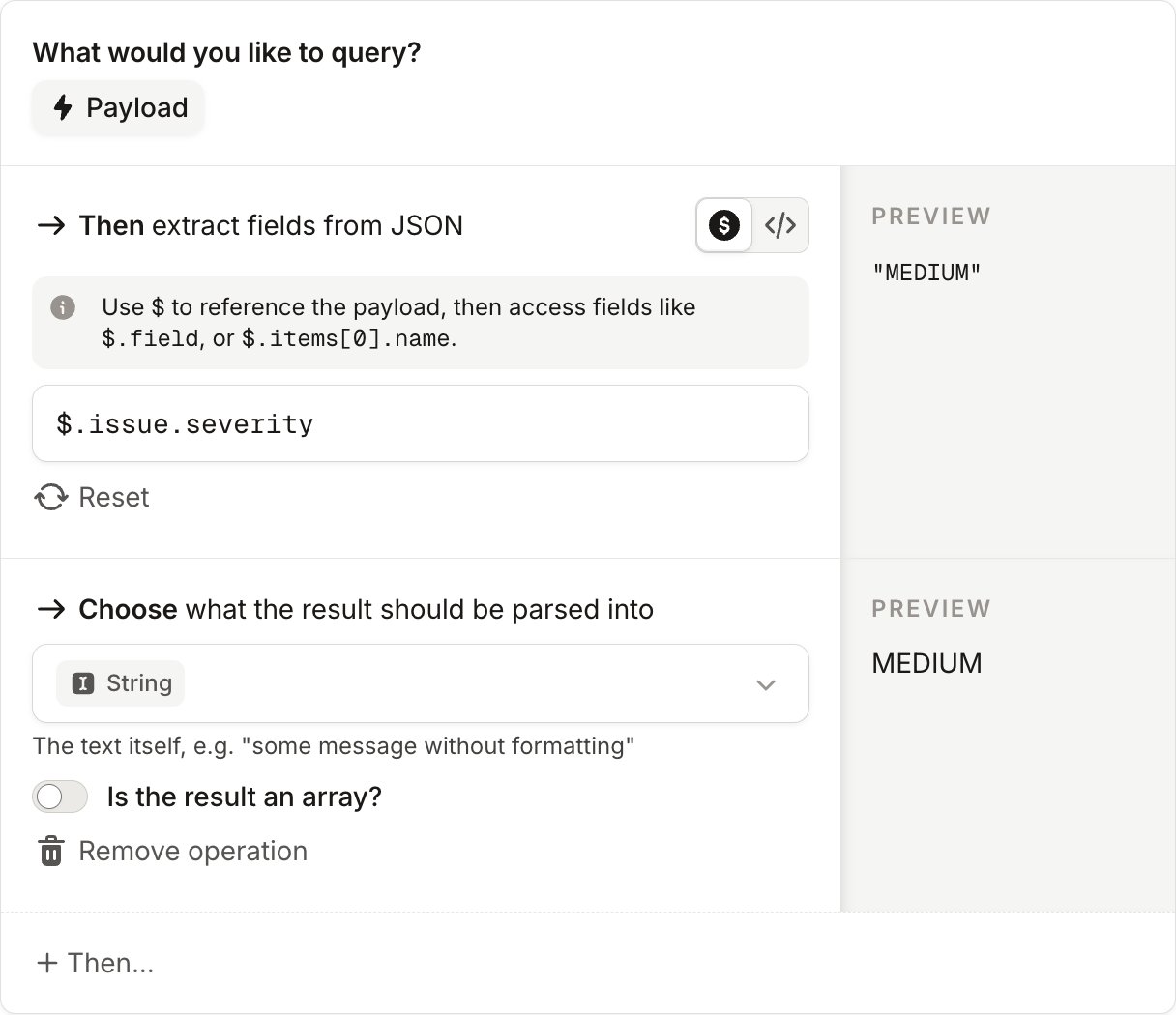
Options to extract values from the payload
1. Extract a simple field
If you click on any field displayed in the payload, you’ll automatically see this value extracted. For example, to extract theservice field from your metadata, use
service field and apply it to your alert.
2. Map array fields
To map an array field, switch the field to JavaScript with the</> toggle.
In our JSON payload, our tags field has the following format: