- First, install the incident.io Zapier app, by clicking Accept Invite & Build a Zap on this invite page.
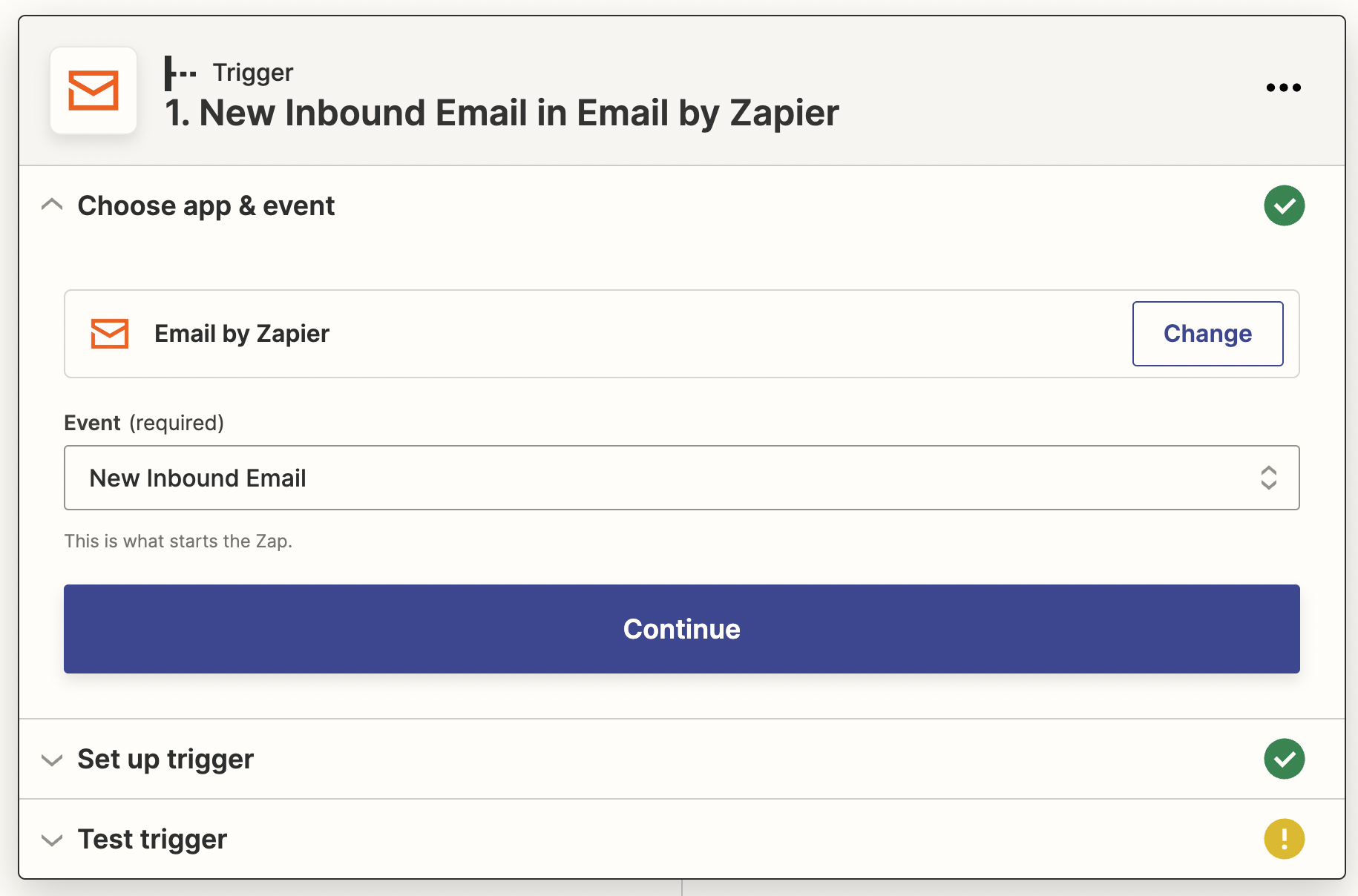
- Click Create Zap and choose a trigger from one of your other systems. For this example we’re using the incoming email trigger:
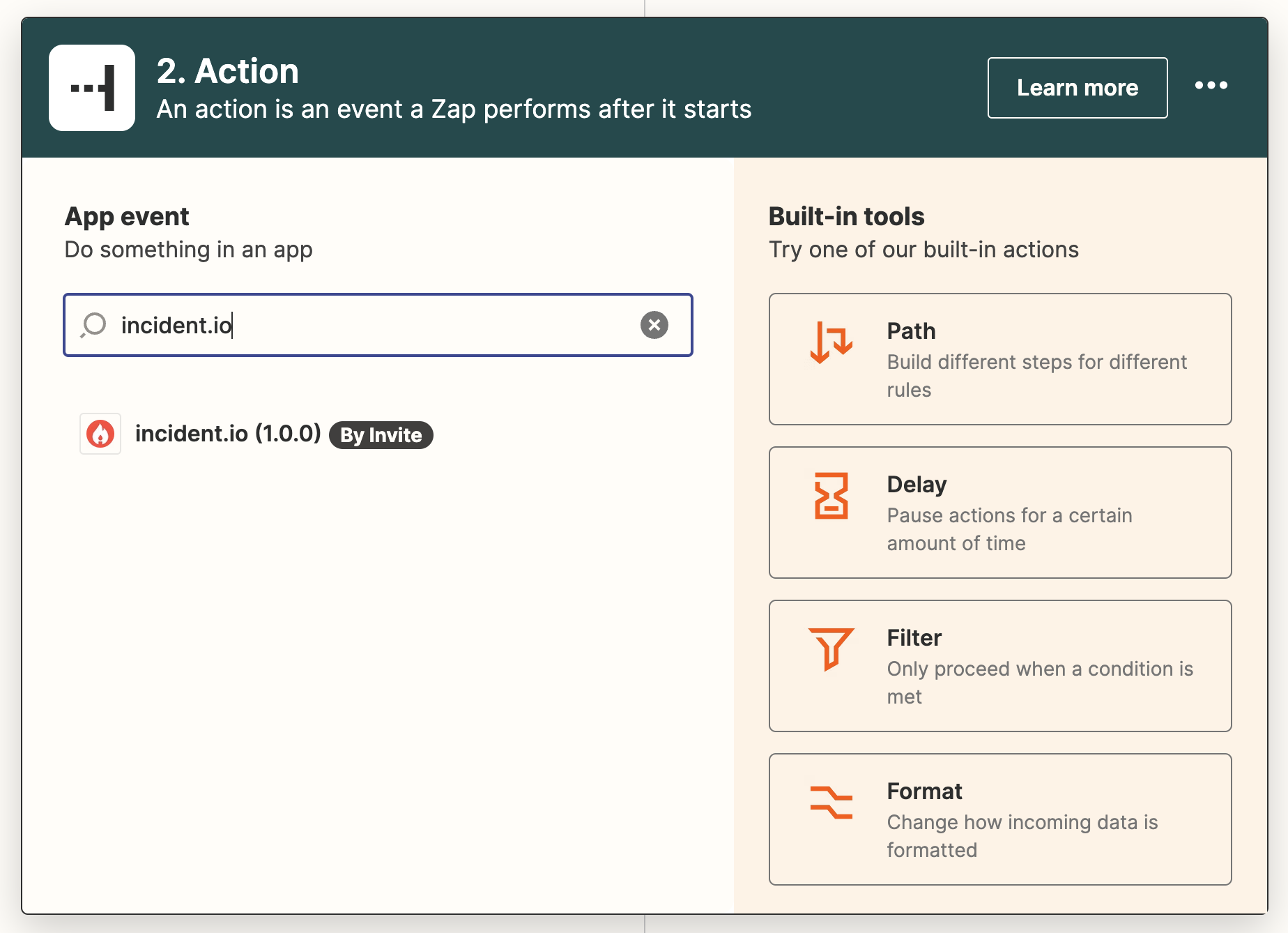
- In the Action section, search for “incident.io”:
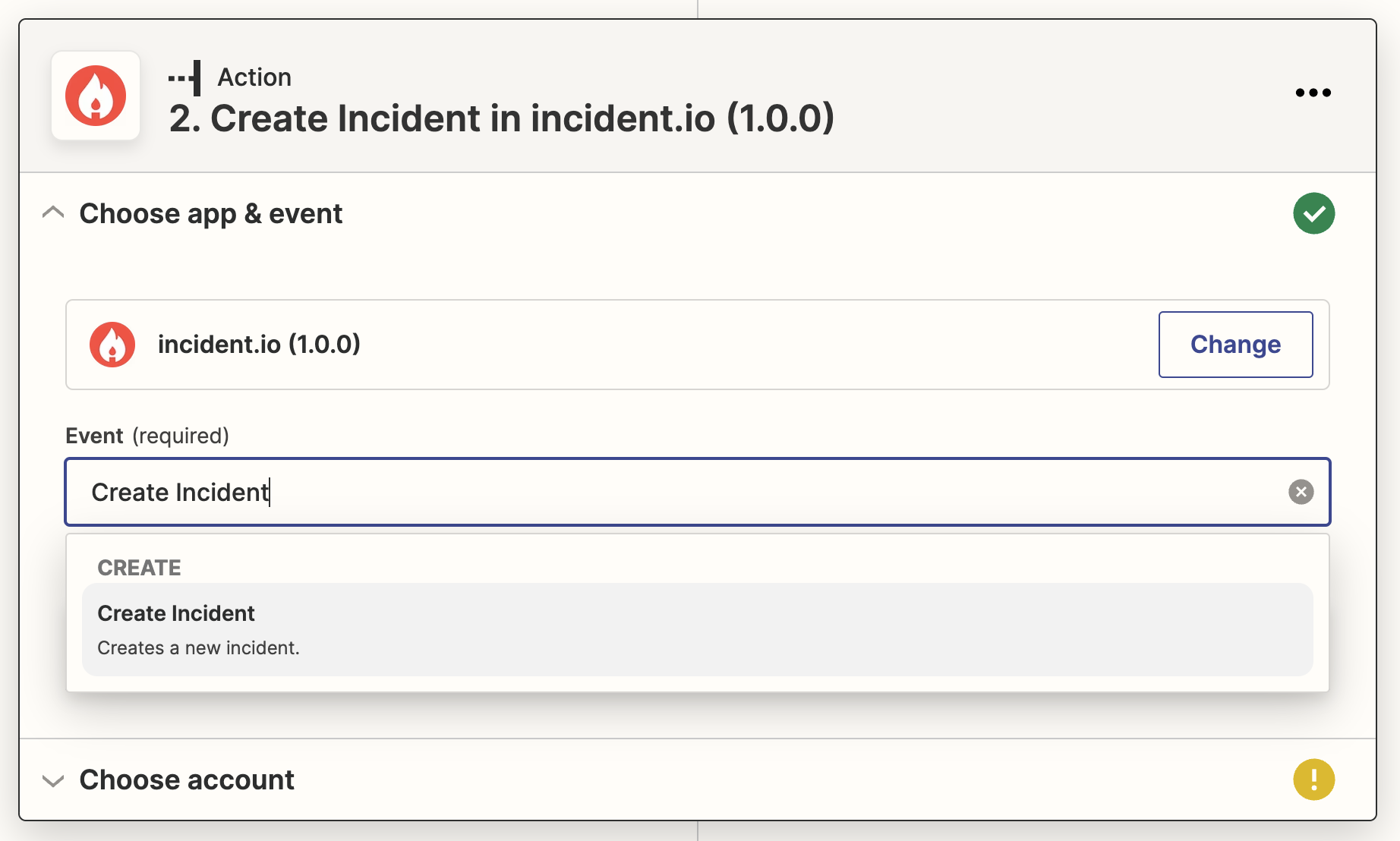
- Select the Create Incident action:
- Click sign in to add an API key:

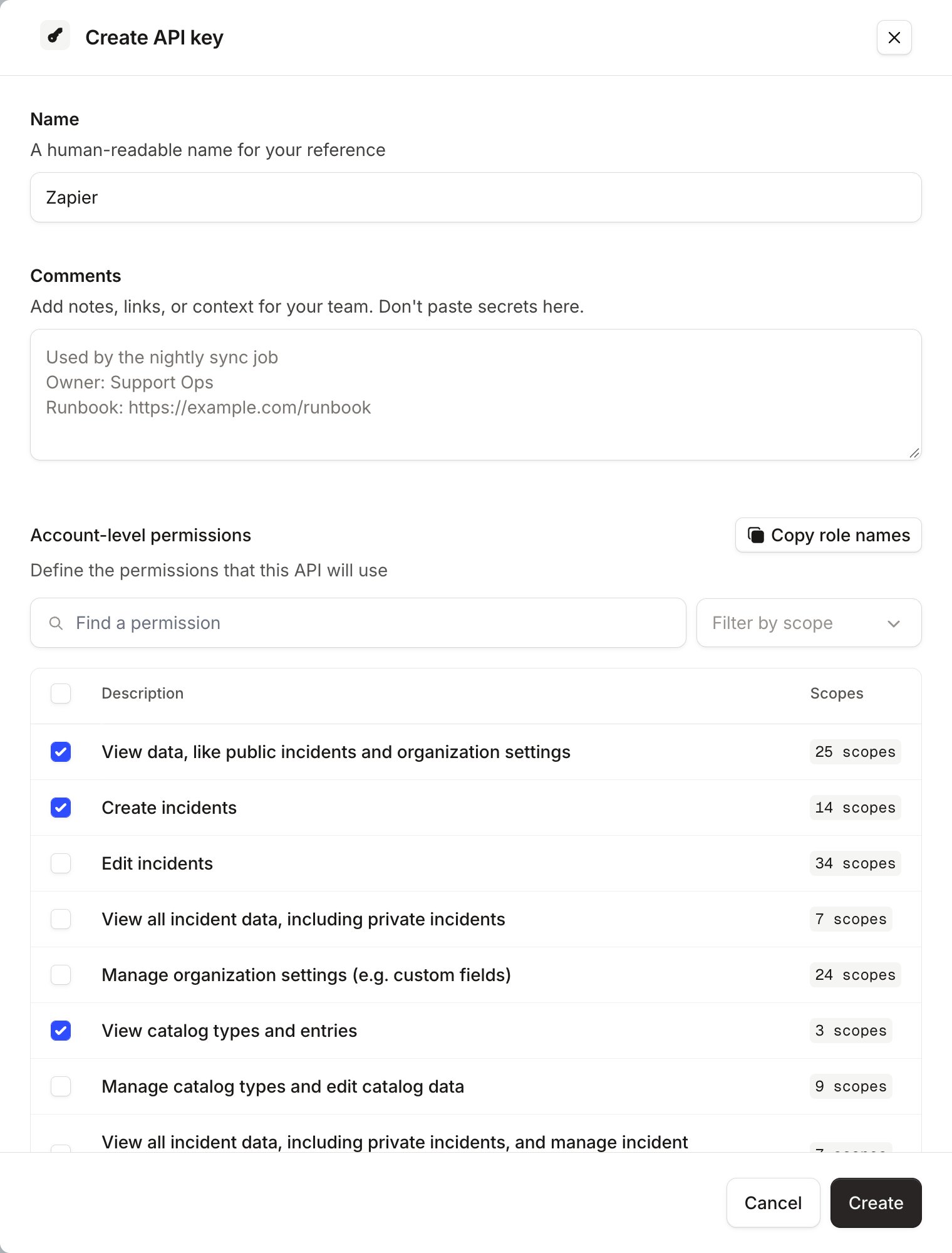
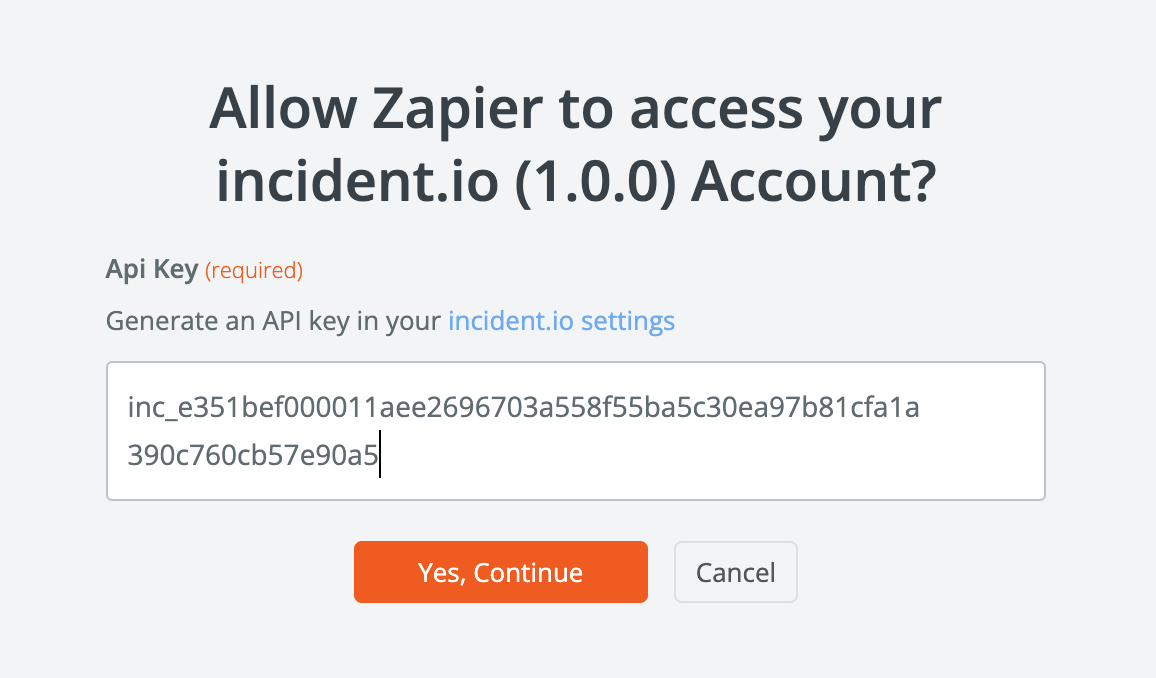
- Paste the key into Zapier, and click Yes, Continue
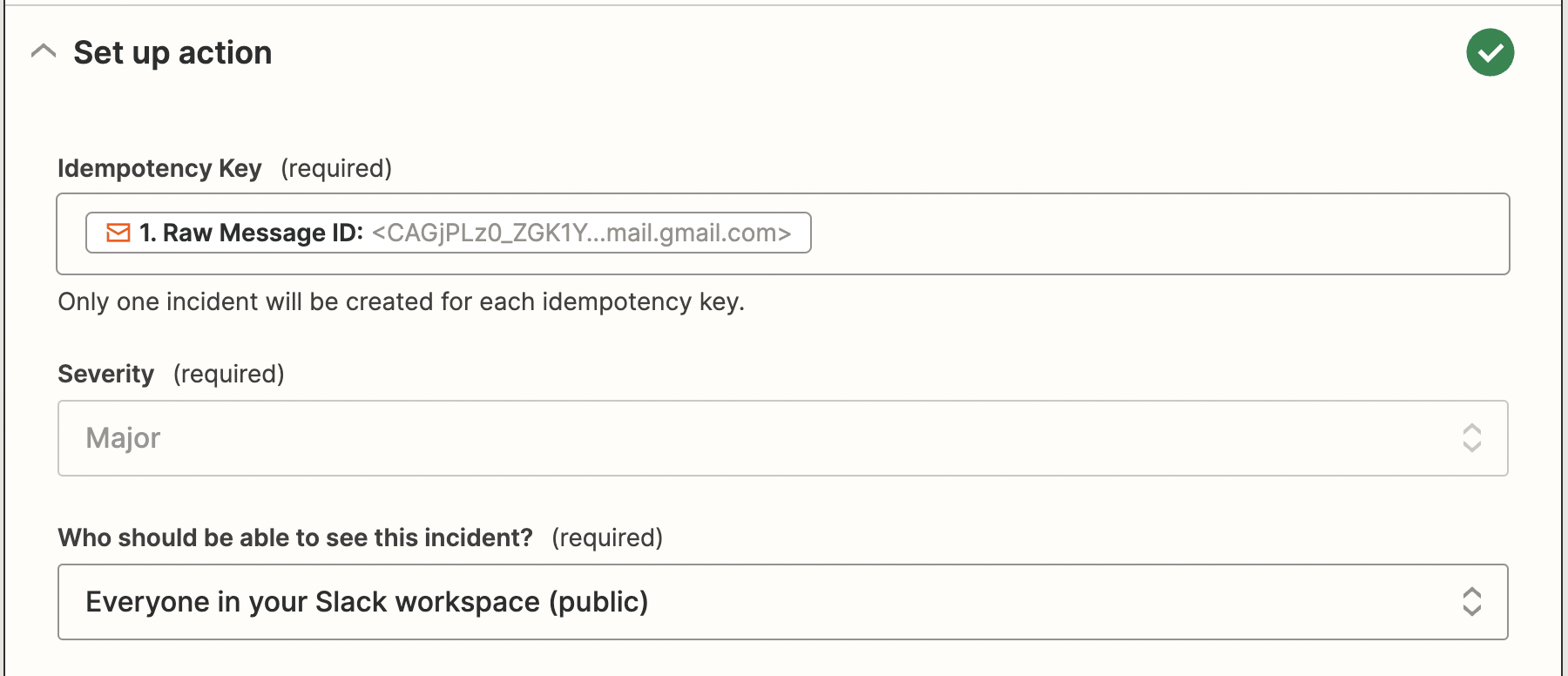
- Now configure the incident information: the minimum required fields are:
- idempotency key: we’ll only ever create one incident for each unique value here, so this should be something that uniquely identifies the trigger. In this example, each email is assigned a Message ID, so using that as the idempotency key means we’ll only open one incident for each email.
- Severity: select this from the dropdown
- Visibility: whether this incident should be public or private