Status pages
Status pages let your customers see what’s going on and subscribe to updates. You can create public pages for all customers, customer-specific pages for key accounts, or use workflows to automatically publish incidents or nudge your team to update the page when conditions are met. If you’re already using Atlassian Statuspage, you can connect it to incident.io and update it directly from your incident channel with/incident statuspage.
For full details, see the status pages documentation.
Targeted updates via incident.io workflows
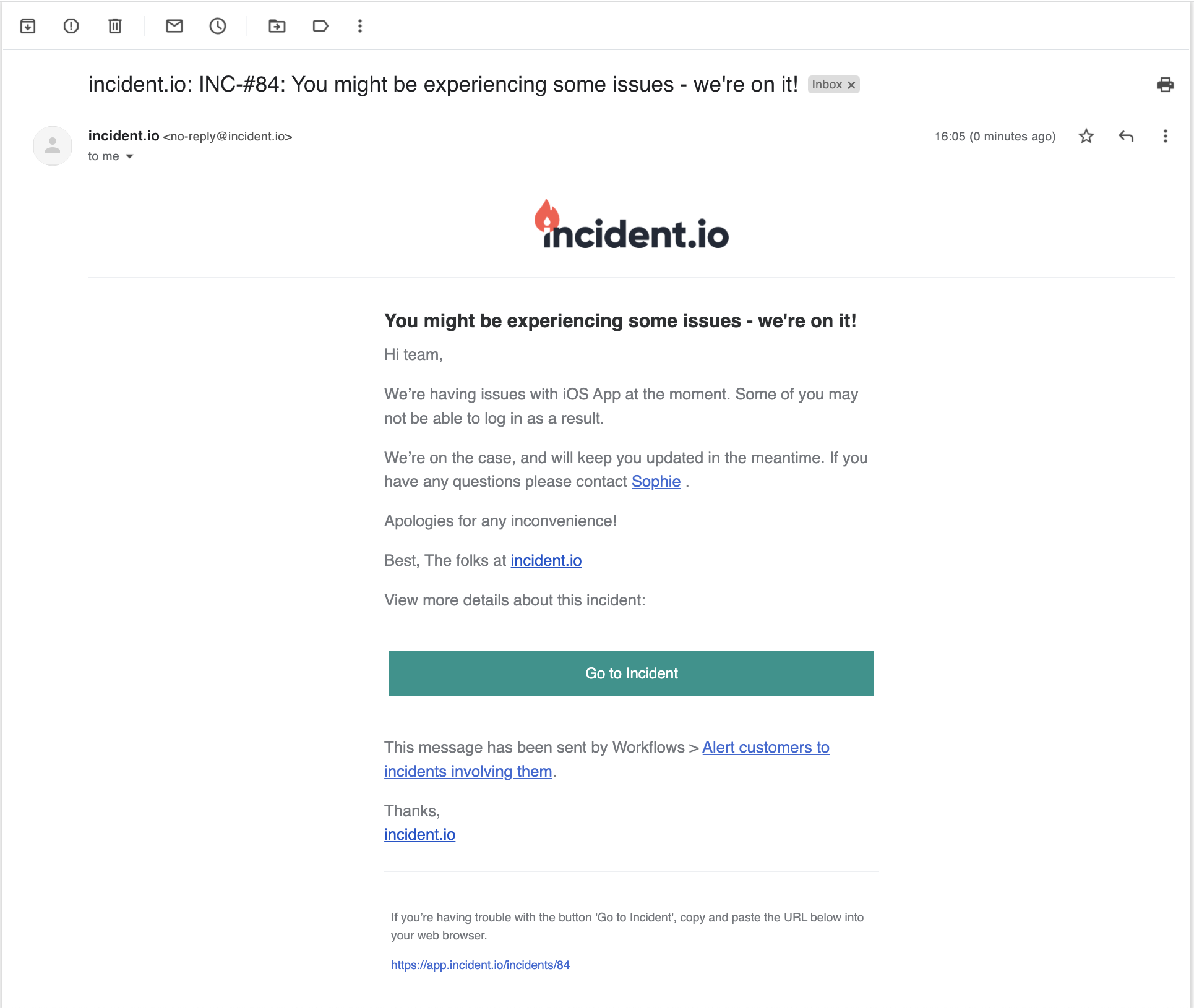
For more control over who gets notified and when, workflows let you send targeted customer communications based on conditions. For example:- Send a customized message (email, SMS, Slack message etc.) to a specific customer when an incident affecting them is declared, updated or closed
- Send an email to all your customers when an incident’s severity crosses a certain threshold
- Send an incident update to a Slack Connect channel with your customer
- …
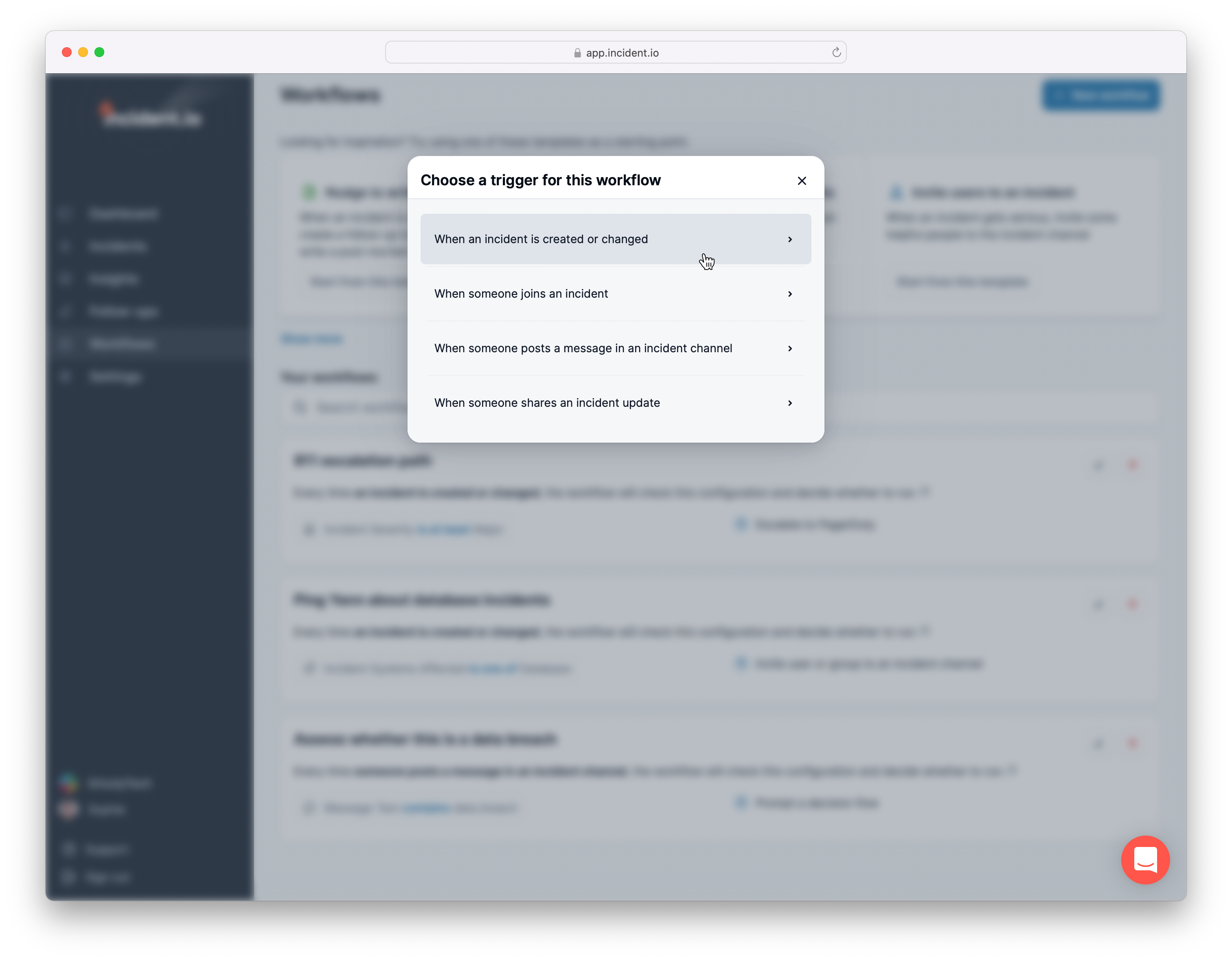
- Pick the communication trigger
- An incident is created, or its details (severity, status etc.) are updated; or
- When a teammate shares a status update message?
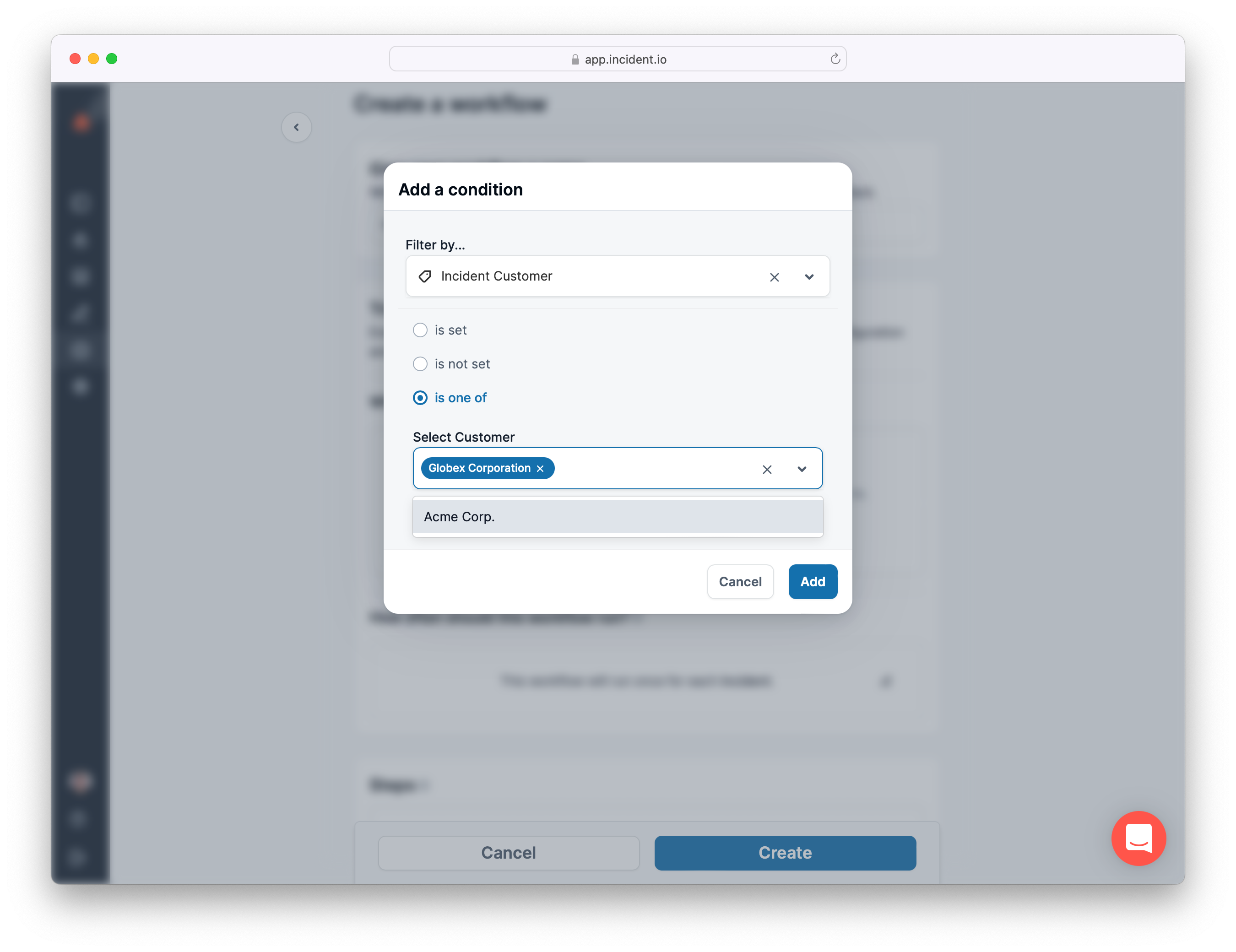
- Select some conditions that need to be met for the comms to go out
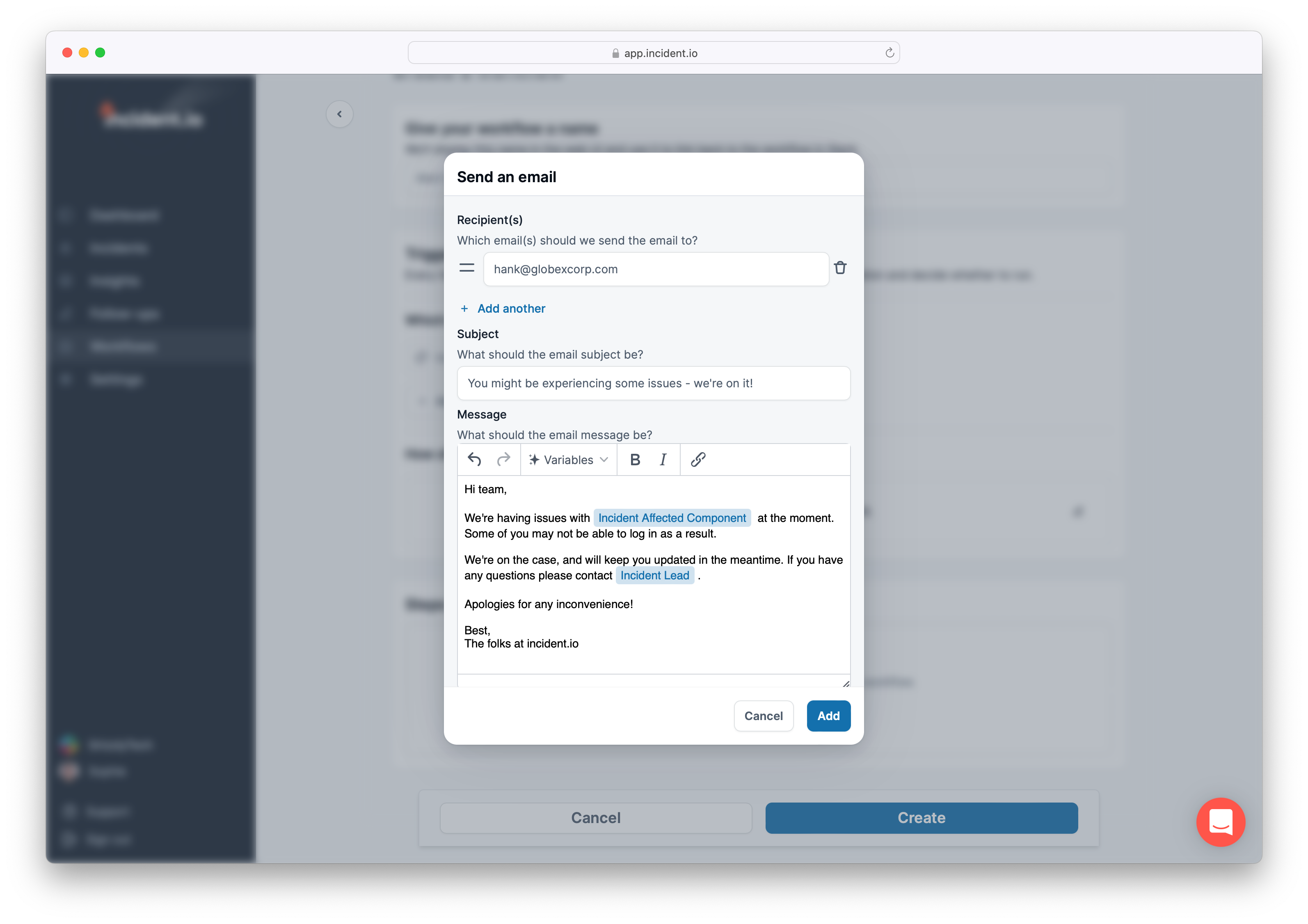
- Add your communication channel and personalise your message
- Hit
Createand you’re all set