

Adding an invitee
To set up automated lists of invitees for your debriefs, navigate to the debrief settings page.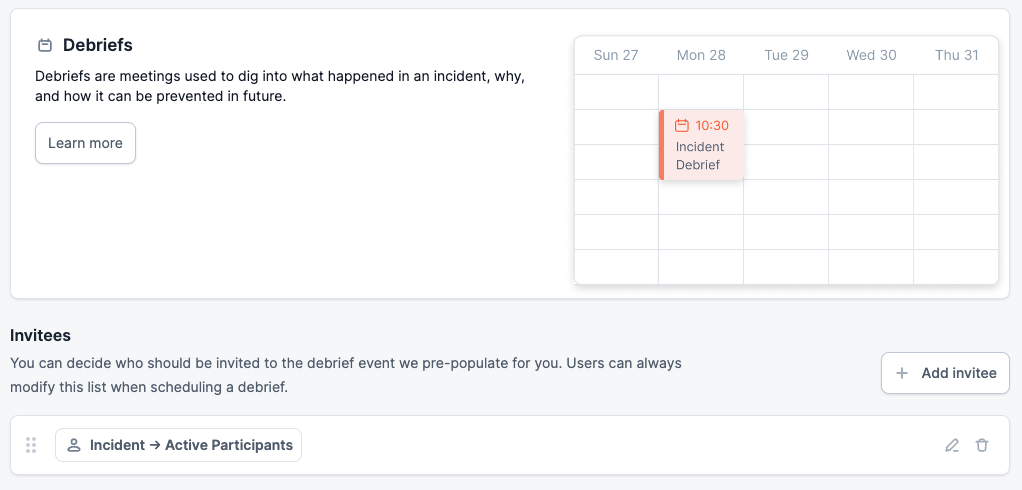
Add invitee button.
When adding an invitee you can choose for them to be invited only under certain conditions. For example, you might only want to invite the team leads for a critical incident:
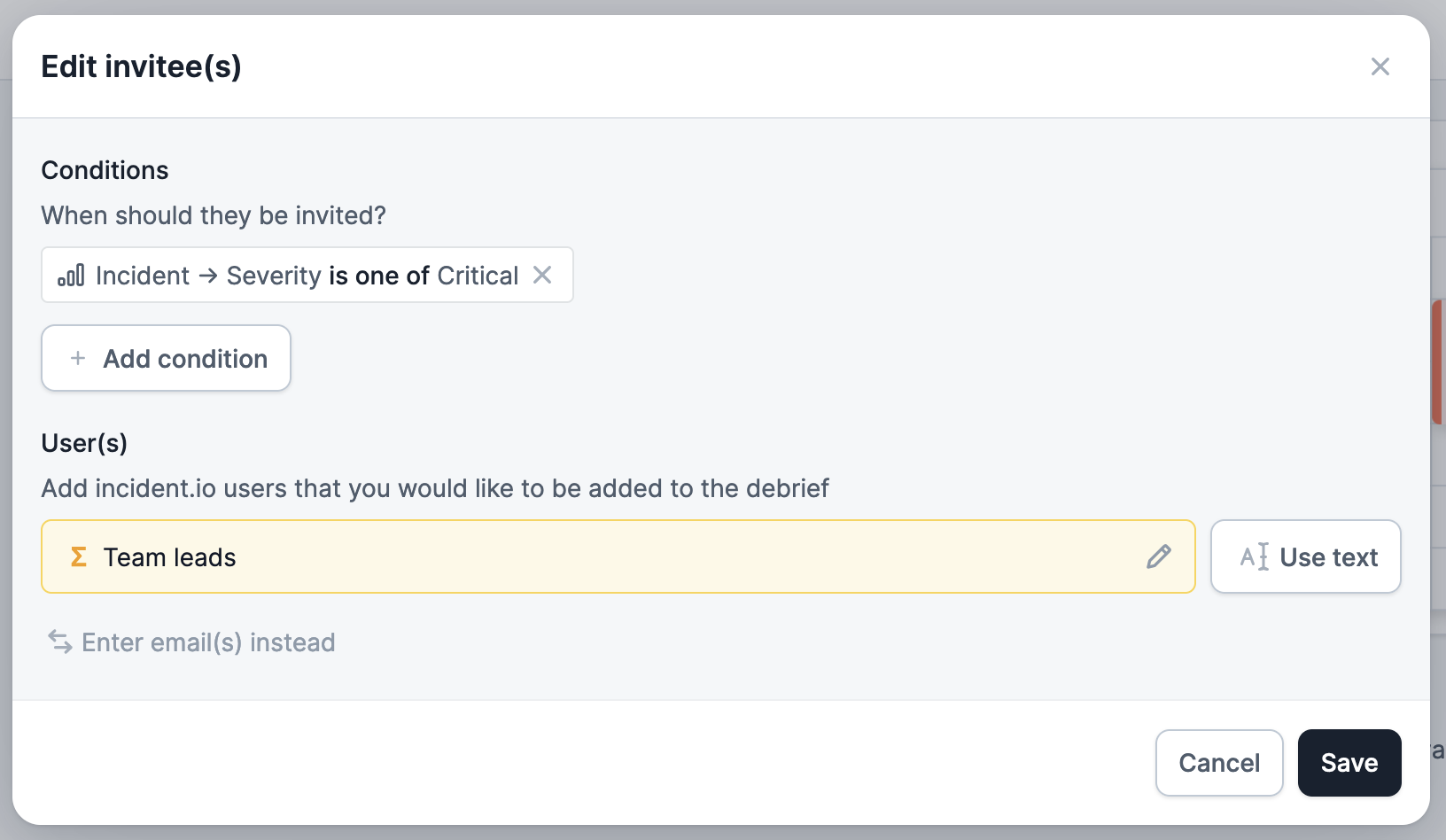
Enter email(s) instead. This is handy for group / team emails which may not appear in the users list:

Use variable.
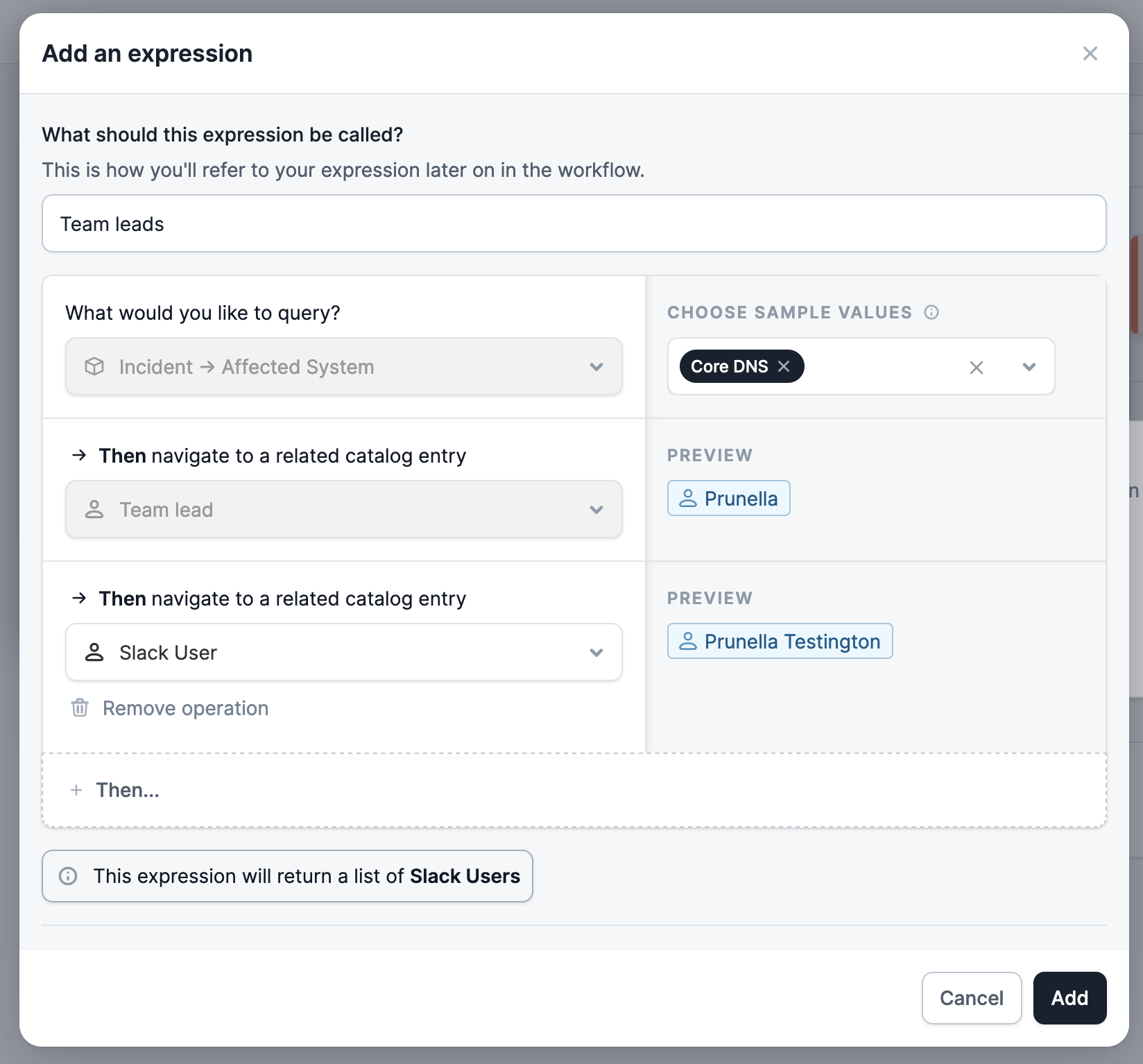
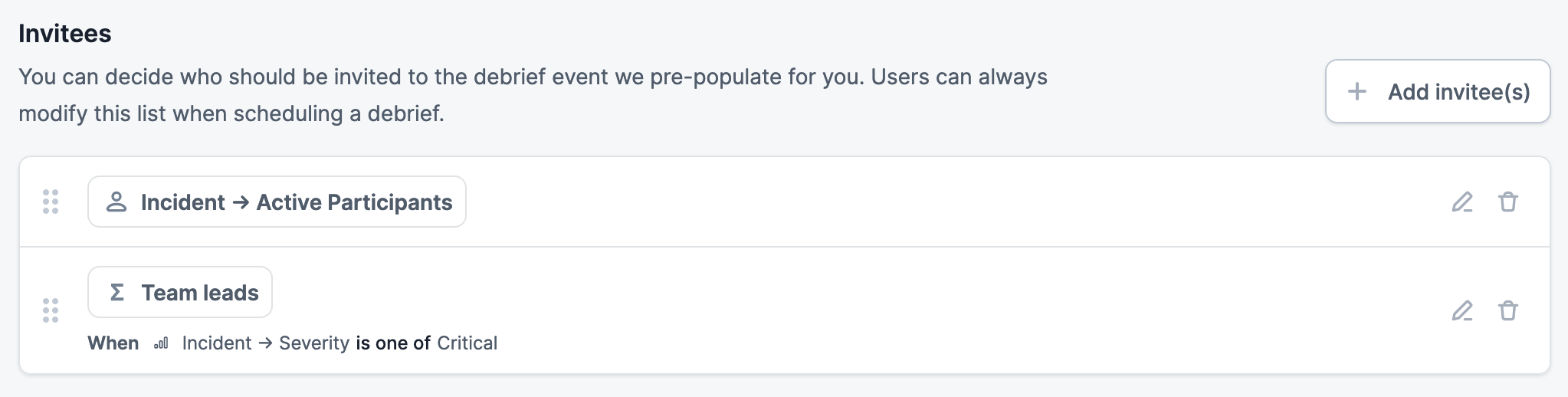
In the below you can see how (with a few catalog entries configured) you might want to select the team leads of any service affected by the incident:
Creating a debrief with invitees
Once you’re set up - you can create a debrief by clicking Schedule a debrief from the incident homepage. This will take you to a pre-filled event in Google Calendar. Here we have 2 guests added who were active participants in the incident and our custom group email - all automatically added for us, neat!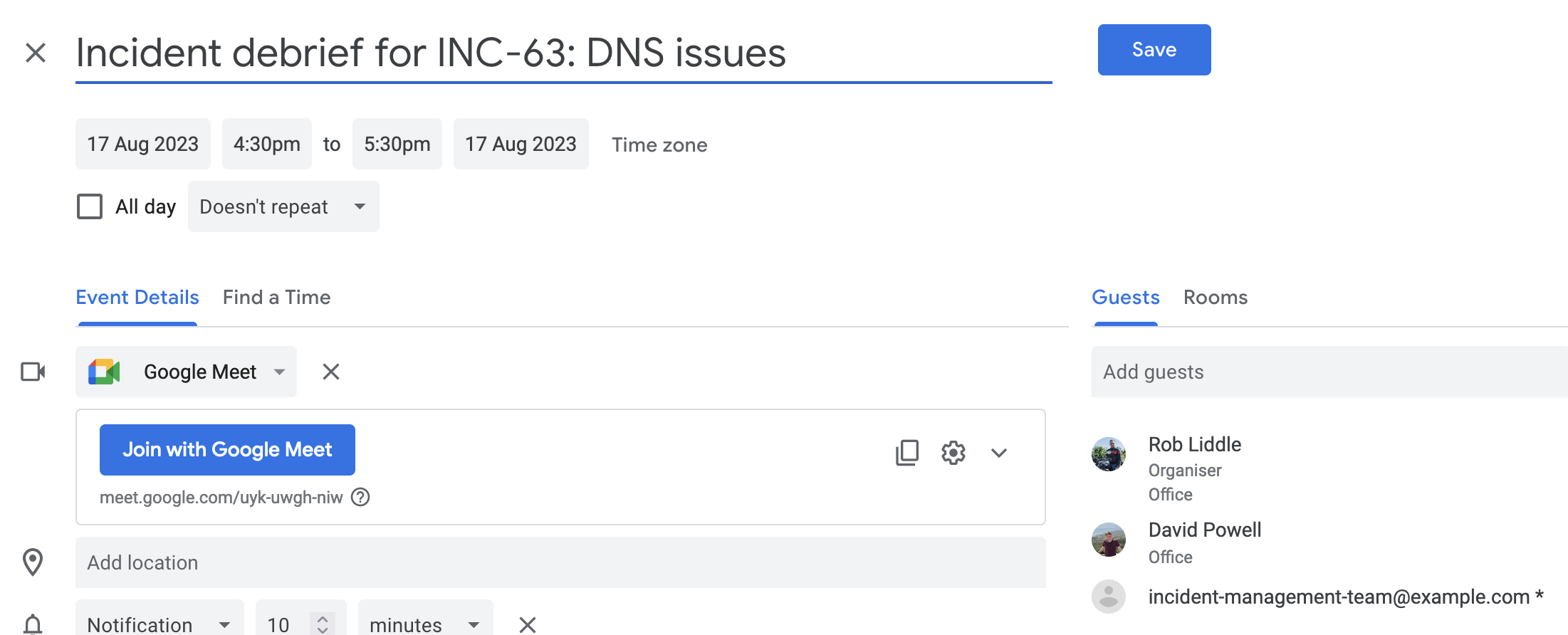
If you install our Google Calendar integration, we’ll automatically attach this event for you when you hit
Save, so everyone will know when it is.