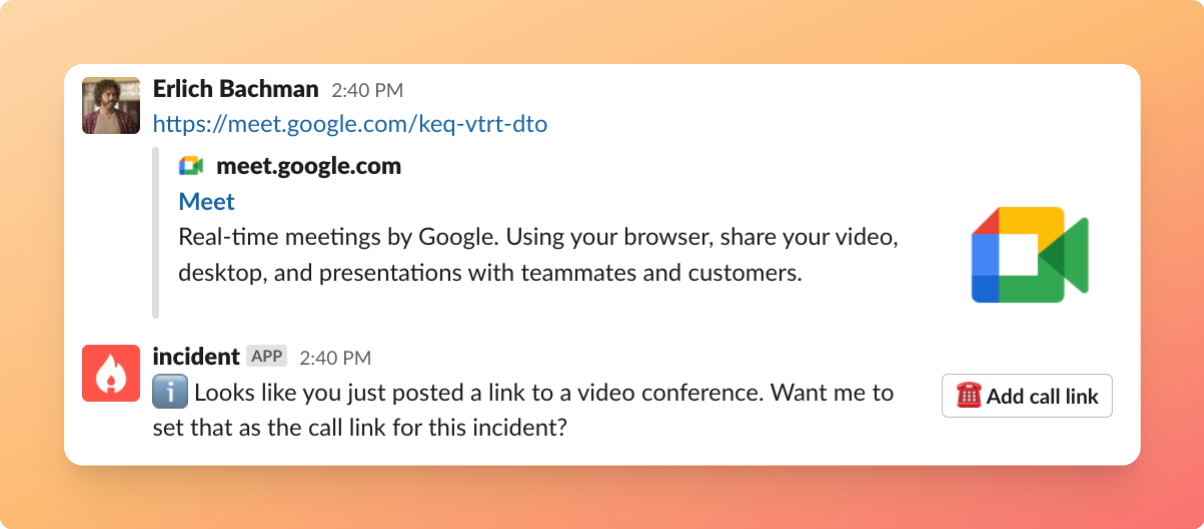

We can automatically create an individual Google Meet call whenever an incident is declared, and attach it to the incident. This helps speed up your incident response, and reduces the burden of manual tasks on responders. A Google Meet link posted in Slack, with incident.io offering an Add call link button An incident channel bookmark bar with Join the call alongside Homepage, Severity and Lead

Installation

It’s important to know that when the integration is installed, the connection to incident.io will belong to the user that installed it. Google Workspace connections like this, which use OAuth, belong to a specific user. For this reason, you may wish to set up a dedicated service or “bot” account. We use the same user account connection for all our Google integrations. Therefore, the account you use to connect this integration will need to be the same for Google Calendar (which we will connect automatically for you after you connect Meet) and Google Docs (which requires a separate installation). Make sure the user has the following privileges in admin.google.com :
  • Read and write calendar events
  • Read users
Additionally Google requires the user to be an admin user. However, you should be able to restrict what the service account is able to do just like any custom role in Google Workspace. This can all be done via admin.google.com.

1. Installing the Integration

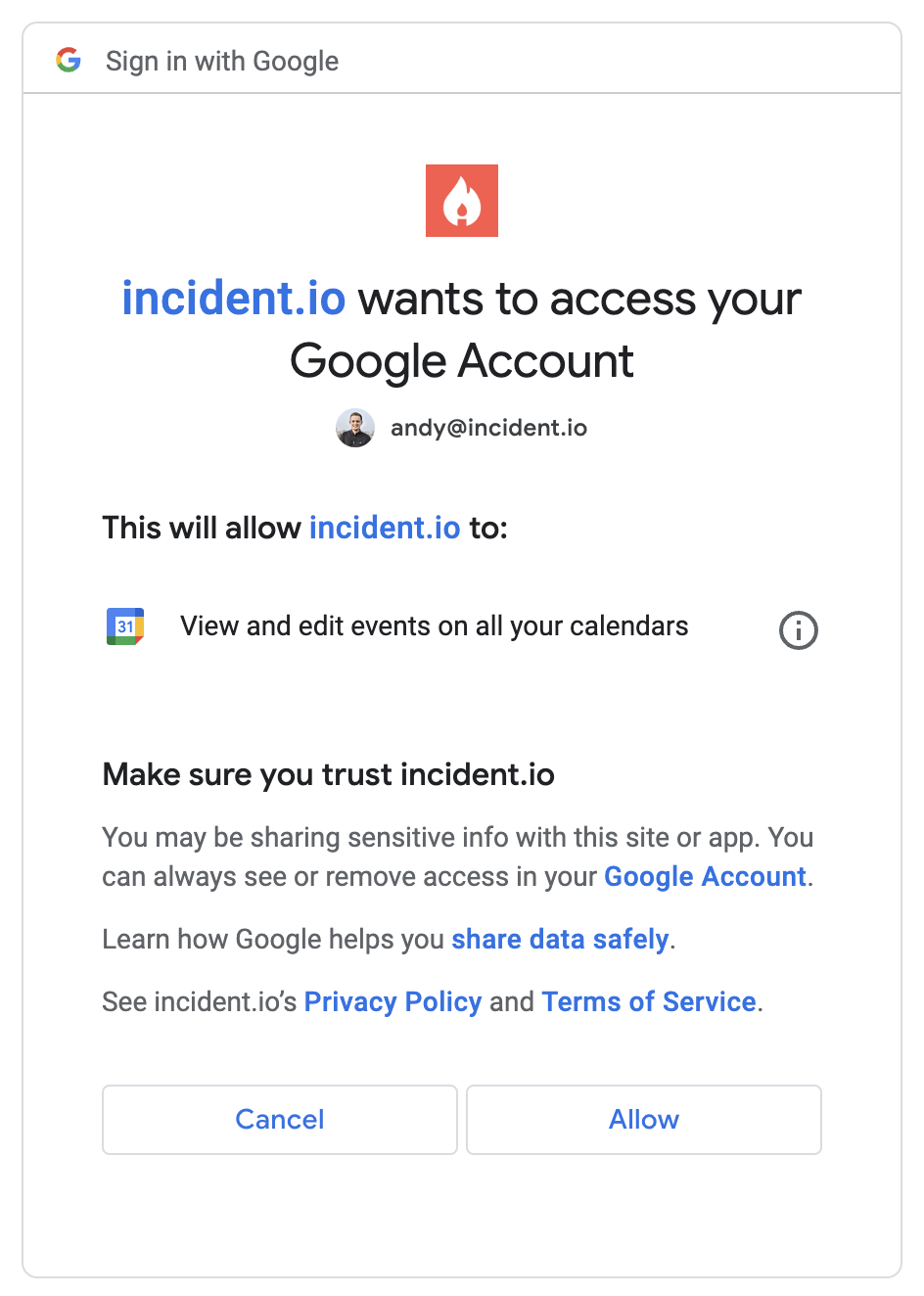
Go to Settings → Integrations, search for Google Meet and click its card. Click Install and you’ll be redirected to the install flow within Google Workspace. Review the permissions we’re requesting and click Next. The Google consent screen granting incident.io permission to view and edit calendar events We request Google Calendar scopes, in order to create a Google Calendar meeting that has a Google Meet video call attached.
2. Turn on auto-create call

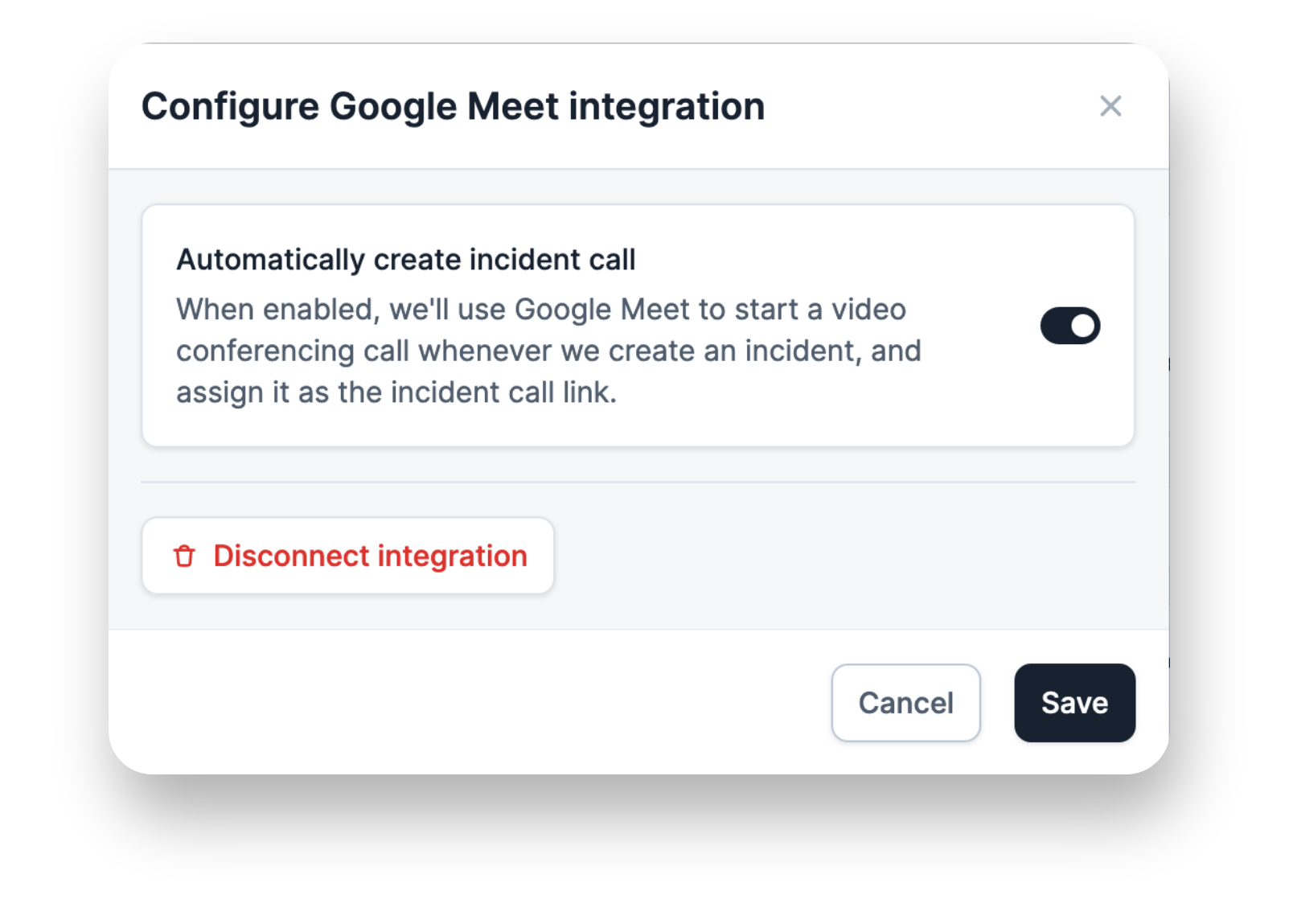
In the Google Meet panel, turn on Automatically create incident call. You can also manage this from Settings → Calls. The Configure Google Meet integration modal with Automatically create incident call switched on You should now be good to go!